Subaru Remote Start: App, Key Fob and Setup Help
Want a more comfortable cabin before a drive around Delray Beach, Boynton Beach or Boca Raton? Remote start can help on an equipped Subaru. First identify your model year, transmission and installed system: smartphone remote services and an accessory remote-start fob have different requirements.
This guide helps you check compatibility, prepare your app and know what to ask during a demonstration. Shopping for your next vehicle? Compare new Subaru inventory and confirm the exact listing's equipment with our team.
What Is Subaru Remote Start?
Remote engine start starts an equipped gasoline vehicle before you enter. Available climate-control functions can help prepare the cabin. Push-button ignition alone does not establish that an accessory starter is installed or that connected remote services are active.
App availability depends on the vehicle and an eligible active connected-services subscription. Manual-transmission vehicles do not offer remote engine start. An electric Subaru uses remote climate functions rather than starting a gasoline engine; check its own app and equipment. For a used Subaru, verify current eligibility rather than relying on the original owner's setup.
Starting Your Subaru With the Key Fob
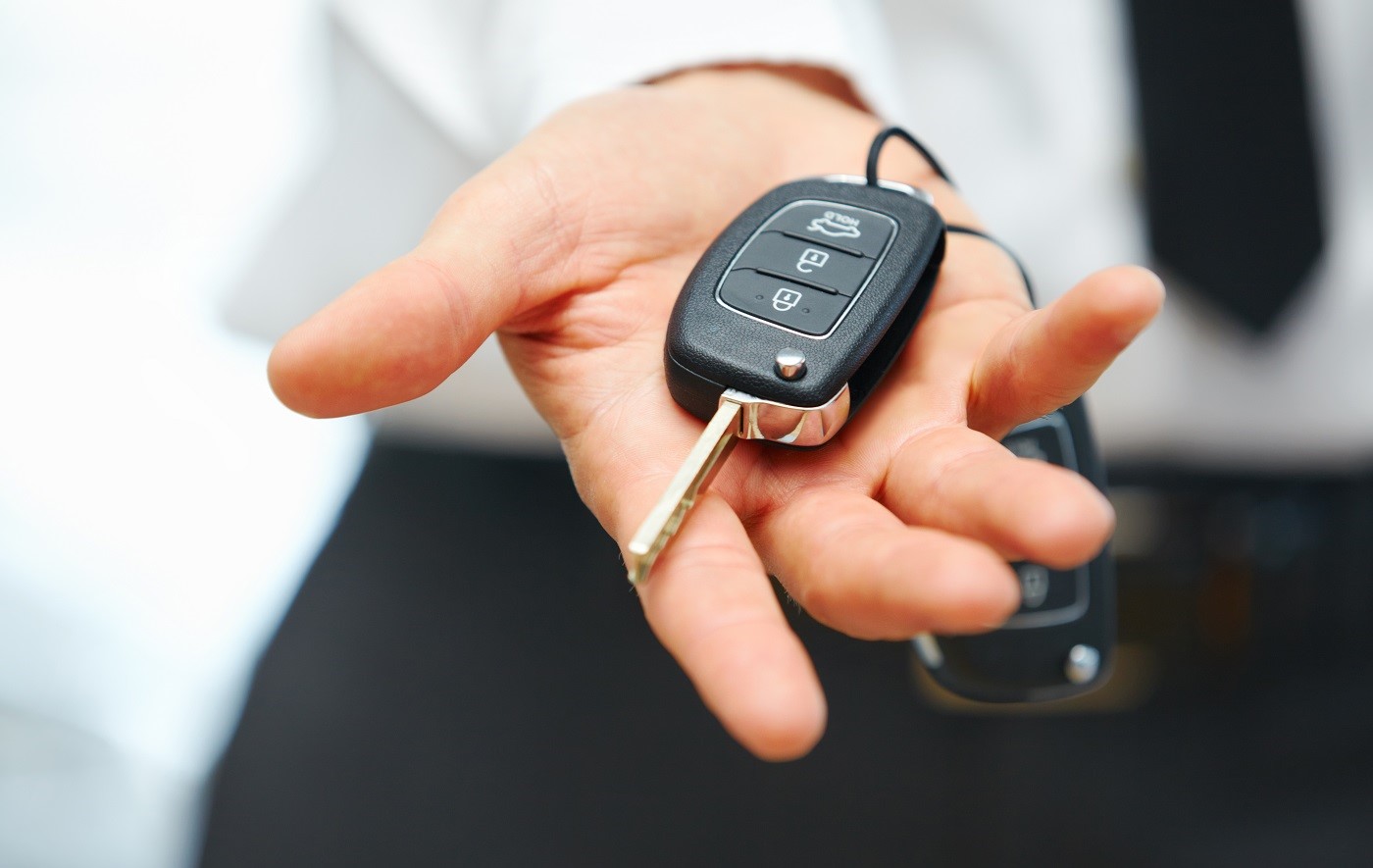
Check whether your vehicle has a Subaru accessory remote engine starter, then use the instructions supplied with that exact system. Some systems use a separate transmitter; supported access-key operation and the shutdown timer vary. A single lock-button sequence or a universal 15-minute runtime is not reliable guidance for every Subaru.
- Identify the vehicle's year, model, transmission and remote-starter accessory.
- Review its operating instructions for the correct button sequence, range and confirmation signals.
- Confirm the vehicle is parked safely outdoors and meets the system's starting conditions.
- Keep your key with you and follow the vehicle's normal entry and drive-away procedure.
If you are unsure which system is installed, ask our Delray team for a demonstration before trying a generic procedure.
Using the MySubaru App for Remote Start
On a compatible vehicle with active remote services, sign in to MySubaru and select the correct vehicle. Subaru places remote commands on the account home screen or in the menu. In supported versions, Quick Start uses the saved climate setup; Climate Presets lets you adjust and save available settings. Screen labels and functions can vary.
- Confirm that the vehicle is linked to your account and the required subscription is active.
- Find Remote Services and review the available start and climate options.
- Check the surroundings, then send the command and look for confirmation.
- If a command fails, note the message and check the vehicle-specific instructions before retrying.
Why is remote start not working?
Start with account access, subscription status, the selected vehicle and the displayed error. Network availability and vehicle conditions can affect commands. If the app shows an unresolved warning, contact our team with the model year and message. Do not share your password or PIN in a website inquiry.
Making the Most of Subaru Remote Start in South Florida
For South Florida drivers, a practical demonstration starts with the climate settings you use every day. Ask how your selected Subaru handles temperature, fan and available comfort controls, and how to stop a remote session. Operate remote start only when it is safe and legal, never in an enclosed garage or with a child left in the vehicle.
Can Angelique help me learn my Subaru's features?
Yes. Meet Angelique and schedule a Love-Encore follow-up to ask about your vehicle's controls, compatible phone connection and available connected services. Bring your Subaru and phone, and have your own account access ready.
Should I check remote start before choosing a trim?
Yes. Review the exact model year, transmission, equipment and subscription terms. Use our test-drive checklist to compare technology and cabin comfort, then ask for a demonstration on the vehicle you plan to buy.
Guidance checked October 7, 2026 against Subaru's remote-start overview and MySubaru customer-support instructions. Your vehicle and installed system determine available functions.
Get in Touch
- Contact our Sales Department at: 561-760-1512
-
Schumacher Subaru of Delray
2102 South Federal Highway Suite C
Delray Beach, FL 33483
- Sales: 561-760-1512
Loading Map...
- Monday8:30AM - 7:00PM
- Tuesday8:30AM - 7:00PM
- Wednesday8:30AM - 7:00PM
- Thursday8:30AM - 7:00PM
- Friday8:30AM - 7:00PM
- Saturday8:30AM - 6:00PM
- Sunday12:00PM - 5:00PM
How Can We Help?
* Indicates a required field